Memory-card workflow
Copy one card or one shoot into a fixed material directory on the Mac. Keep unrelated jobs elsewhere.
Product photography folder guide
A studio prepares the camera, lights, product position, and storage before shooting. The photos arrive with shared conditions and in a known directory. That is enough to build a repeatable batch job.
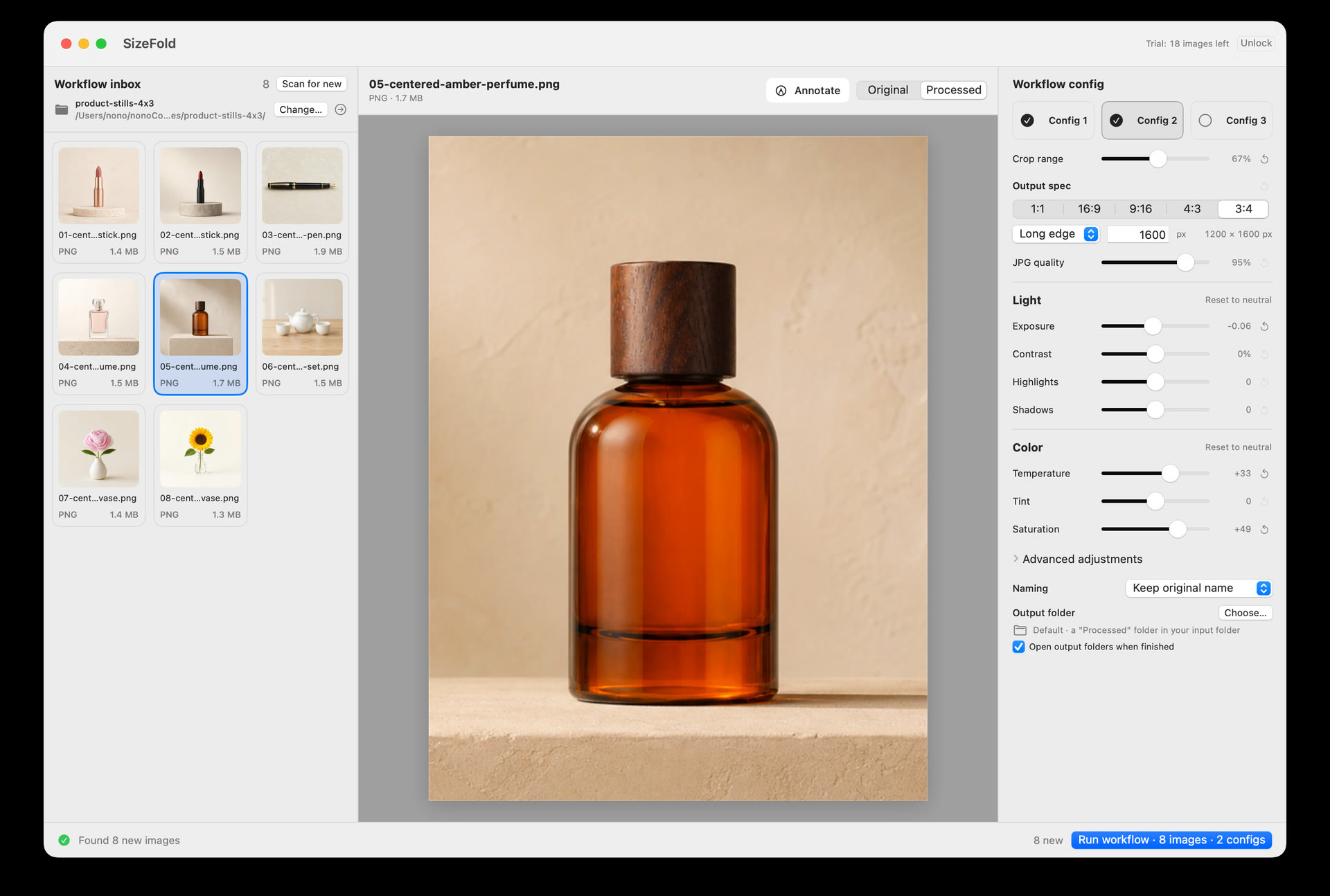
1 · Choose the folder
For a card workflow, this is the folder where the card is copied. For tethering, it is the capture directory.
Copy one card or one shoot into a fixed material directory on the Mac. Keep unrelated jobs elsewhere.
Use the directory where the tethering application writes each frame. SizeFold can read it directly.
Many batch tools open the directory, then ask for another file selection. That extra choice can miss an image or repeat one from an earlier batch.
2 · Save the shared settings
The camera position, lighting, and product placement usually stay fixed. Save the crop and color settings that match them.
Product placement is normally centered, so the image center works for a standard batch.
Save the exposure, contrast, white balance, saturation, and sharpening used with this camera and lighting setup.
Give ecommerce and social delivery their own recipes when the ratio, dimensions, treatment, filename, or folder differs.
3 · Finish the batch
Finished products go to their output folders. An original moves only after every enabled recipe succeeds, so a failed source remains visible.
Copy the card or let tethering write into the input directory.
Inspect the folder and compare processed previews with the originals.
Create the required crops, sizes, names, and destinations together.
Move each original only when all of its required outputs exist. Failed sources stay ready to retry.