The shoot defines the batch
Photos made with the same setup can share crop and color settings.
Workflow guides
Start with where the photos arrive and what the finished job must contain. The guides cover folder setup, several platform versions, and tethered capture on a Mac.
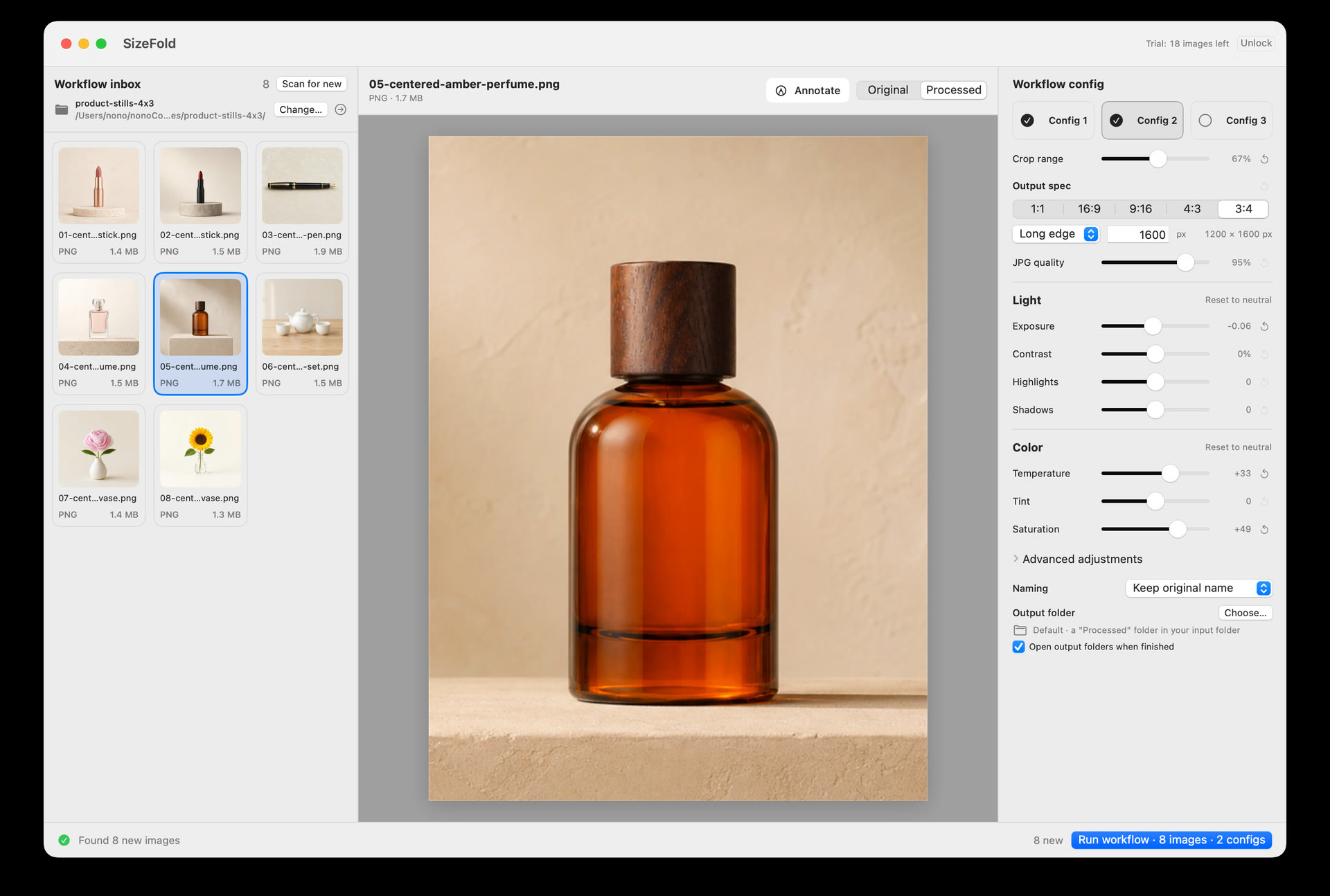
Choose a guide
Pick the guide that matches the way photos reach your Mac and the files you need to deliver.
Connect memory-card imports or a fixed material directory to crop, output, and original archiving.
Read the guide → 02 · Multi-platform deliveryBatch crop product photos for several platformsTurn one prepared source batch into independent ecommerce, website, and social versions.
Read the guide → 03 · Tethered captureContinue a tethered shoot into a Mac image workflowUse the capture directory as the handoff between the camera and repeatable batch processing.
Read the guide →What the guides share
When the camera, lighting, background, and product position stay fixed, the same processing settings can be used across the folder.
Photos made with the same setup can share crop and color settings.
Card imports and tethered captures both end in a directory. SizeFold can use that directory directly.
Save one recipe for each delivery requirement, then generate all required products together.